Looking for the best way to create perfect ID photos? This guide on Passport Size Photo Prompt for Gemini and Prompt for Photo Editing Passport Size will help you generate professional-quality passport photos using simple AI prompts. Learn how to adjust background, lighting, face alignment, and standard dimensions required for official documents like Aadhaar, PAN, and passports.
Whether you are using mobile apps or online tools, this prompt-based method ensures quick and accurate results without advanced editing skills. Save time and money by creating studio-like passport photos at home. Follow this easy process and get flawless passport size photos ready for any official use within minutes.
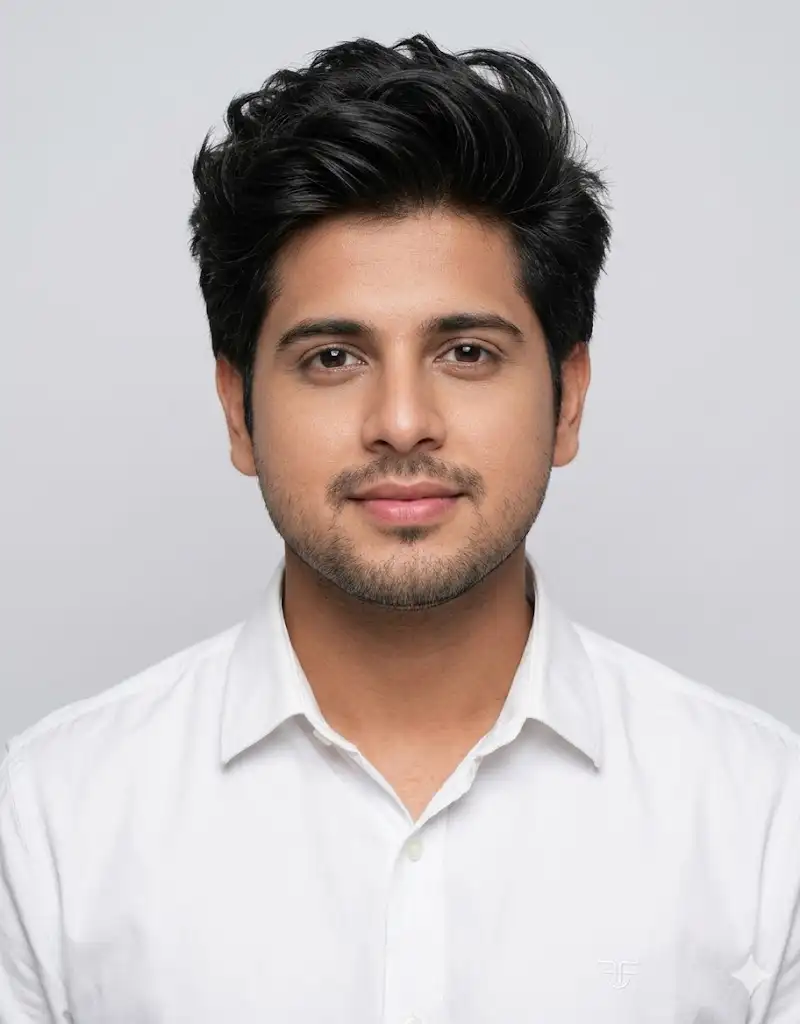
Create an ultra-realistic passport-size portrait using the provided reference image, ensuring the facial features remain identical with zero modification. The face must match exactly, preserving skin tone, structure, and all natural details. The subject should wear a clean white collared shirt with a modern branded style. Maintain a neutral closed-lip smile with a straight forward gaze. The head must be upright, neck not tilted or bent, and shoulders perfectly straight and level. Both ears clearly visible and properly aligned, with eyes balanced and positioned evenly. Center the face with proper passport framing including shoulders. Use soft even studio lighting, plain light background, sharp focus, realistic skin texture, and natural colors. No face changes, no stylization, no filters, no artistic effects, no distortion.
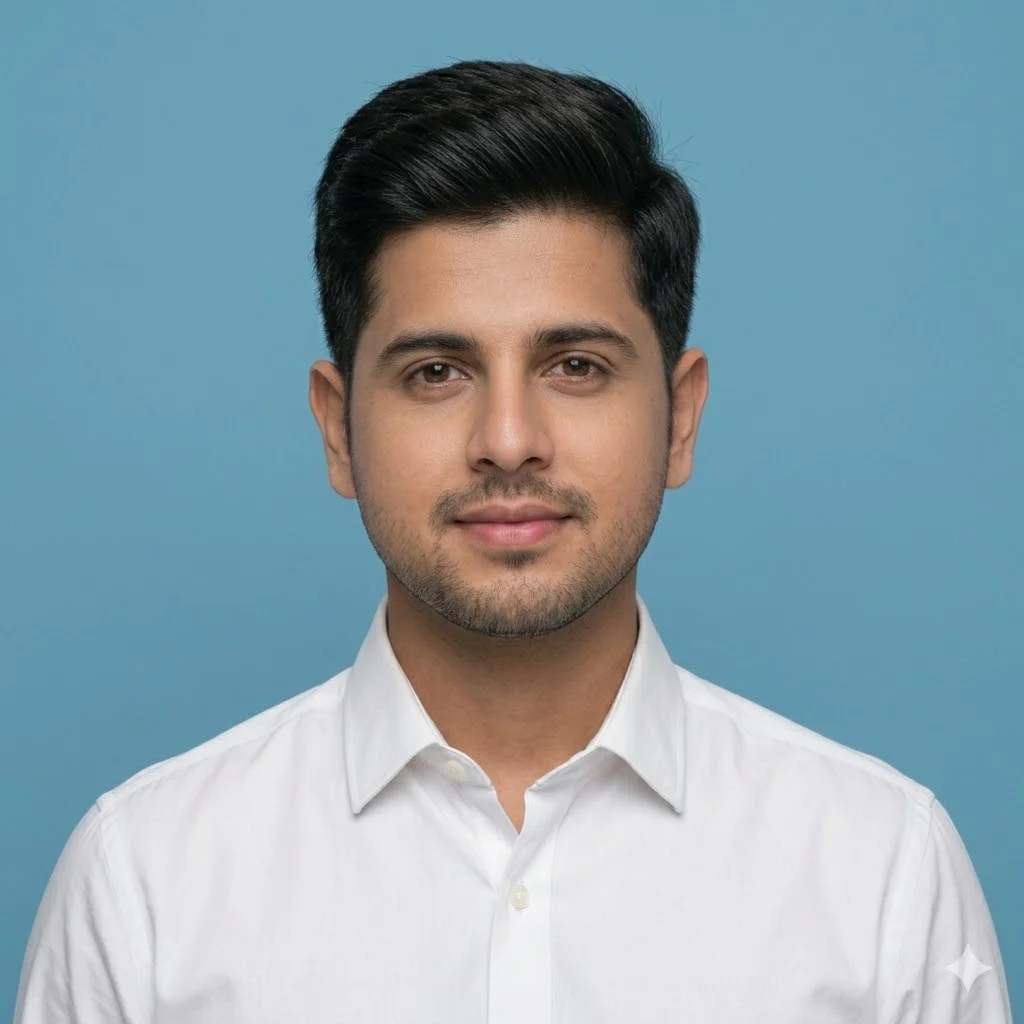
Create a realistic passport-size portrait using the provided reference image, keeping the facial features exactly the same with 100% accuracy and no modification. The subject should wear only a clean white collared shirt with no blazer and no tie. Use a plain blue background that looks neat, official, and professional. Maintain a straight head position, upright neck, and level shoulders. Both ears must be visible, eyes evenly aligned, and face centered according to passport standards. Apply soft, even studio lighting with sharp focus and natural skin texture. The final image must follow standard passport photo dimensions (2×2 inches / 51×51 mm) and appear clear, realistic, and suitable for official documents. No face changes, no stylization, no distortion, no artistic effects.
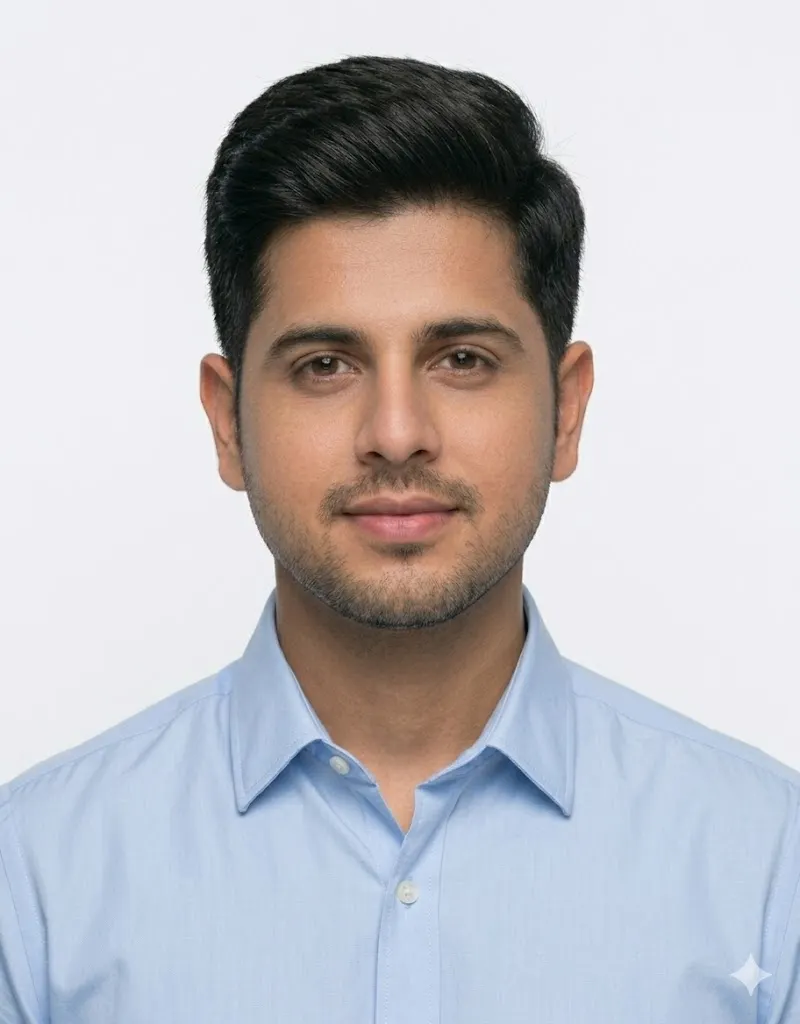
Create a high-resolution passport-size portrait using the provided reference image, ensuring the face remains exactly the same with 100% accuracy and no modifications. The subject should wear a neat light blue shirt with a simple, formal appearance. Hair should be tidy and student-like, with a natural look. Use a clean plain white background suitable for official passport or ID requirements. Position the subject centered with a straight head, upright neck, and level shoulders. Both ears should be visible, eyes evenly aligned, and expression neutral. Apply soft, even studio lighting with sharp focus and realistic skin texture. The final image must appear professional, natural, and suitable for passport or ID card use, with no stylization, distortion, or facial alteration.
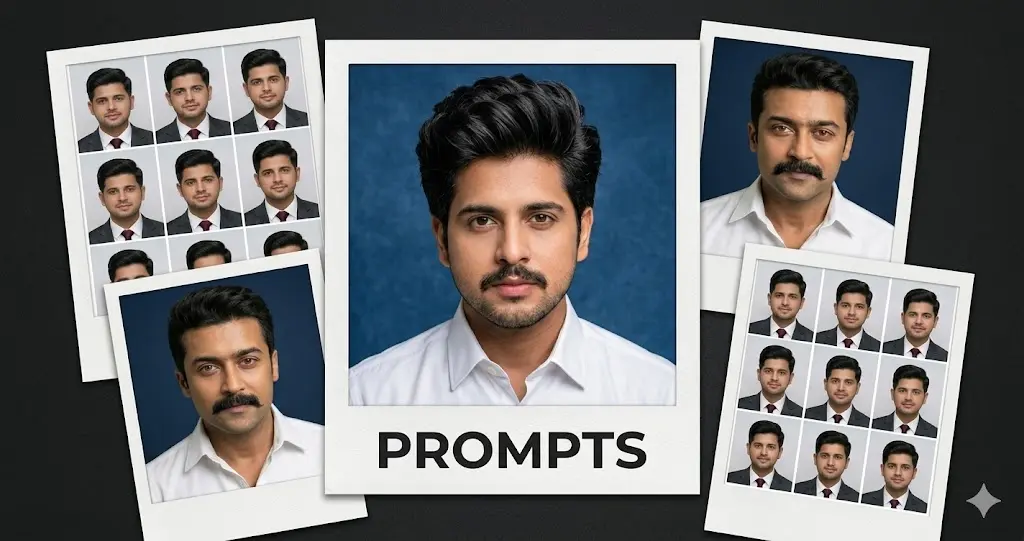
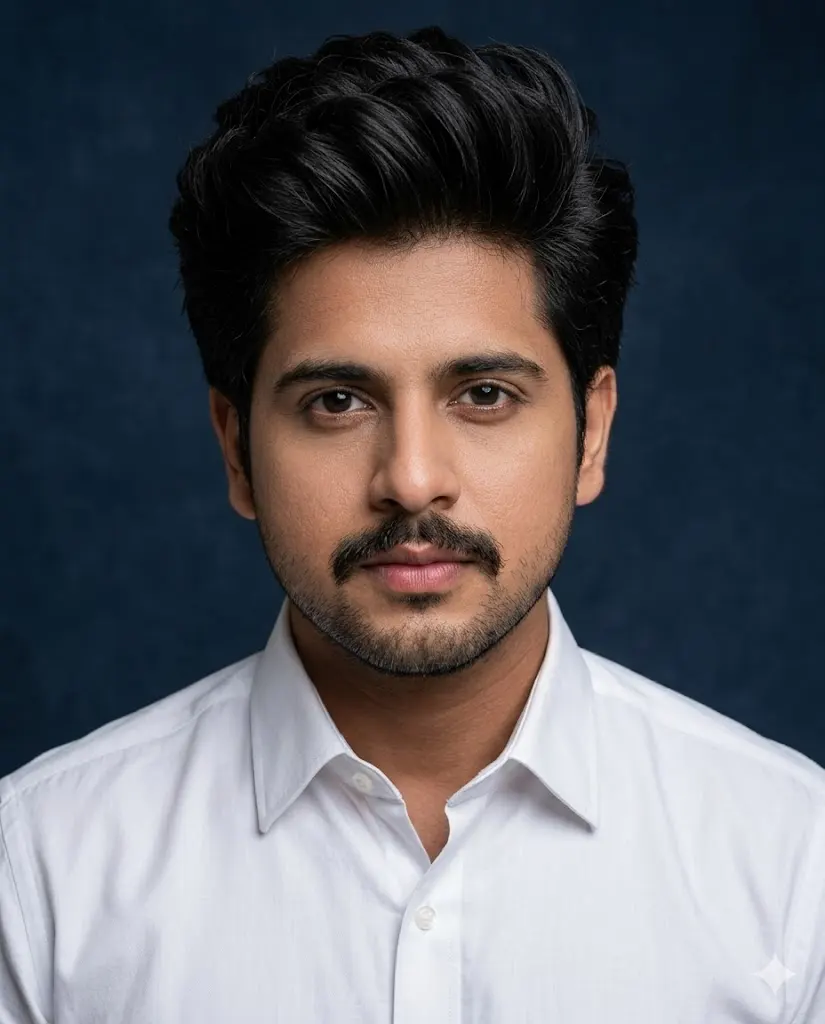
Ultra-realistic portrait of a man wearing a crisp white shirt and a neatly groomed mustache, set against a deep navy backdrop. He looks directly at the camera with an intense, confident expression. Professional studio lighting highlights facial details and natural skin texture. Captured with an 85mm lens, shallow depth of field, high clarity, 4:5 aspect ratio, ultra-high-resolution 8K quality.
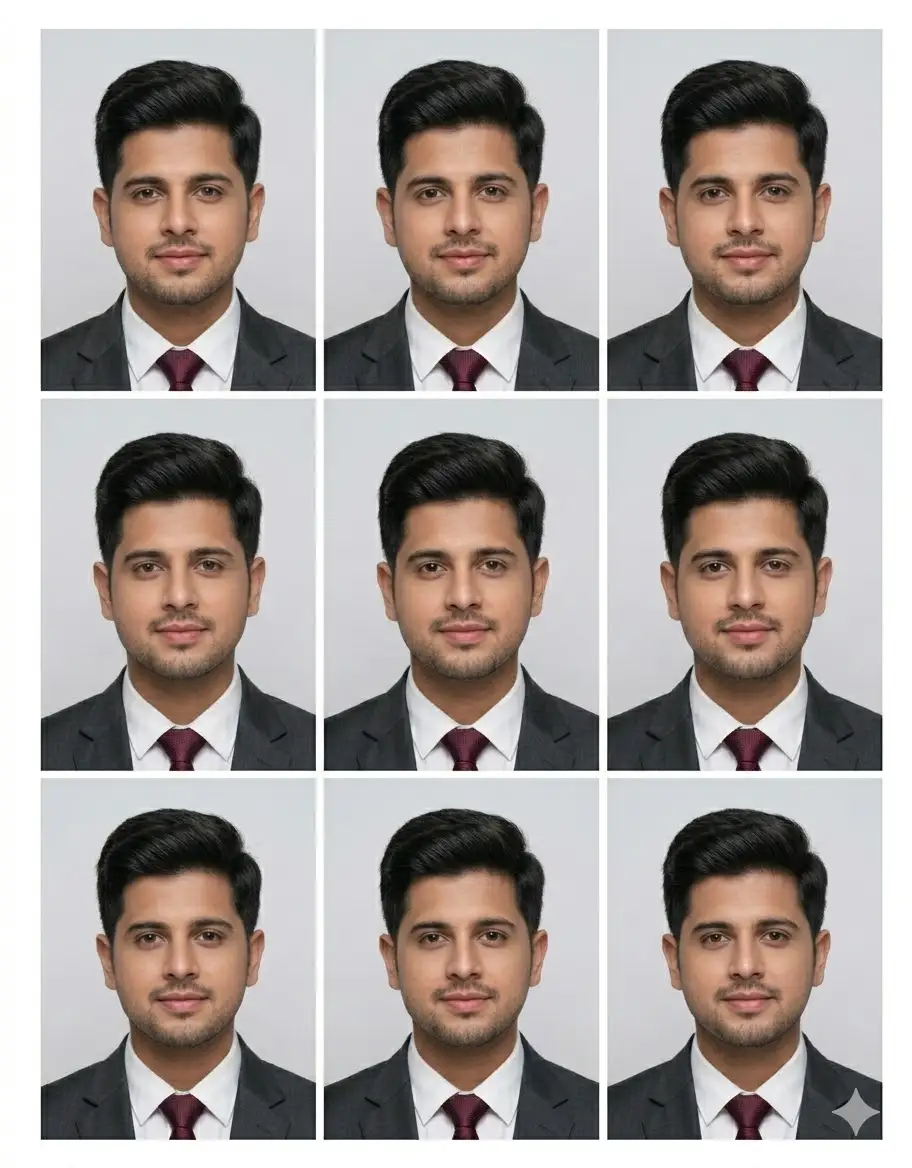
Transform the provided image into an ultra-realistic professional passport-size photo sheet. Use only the male subject from the reference image and keep his facial features exactly the same with 100% accuracy. Do not change face shape, skin tone, or expression. Apply a neat, simple student-style hairstyle that looks natural and formal, suitable for official ID photos. Dress the subject in a formal coat suit. Use a clean plain background with soft even studio lighting and sharp focus. Generate six identical passport-size photos arranged in a grid layout with thin white partition lines between each image. Keep the head straight, neck upright, shoulders level, eyes balanced, and both ears clearly visible. Ensure all photos look natural, consistent, and ready for official use.
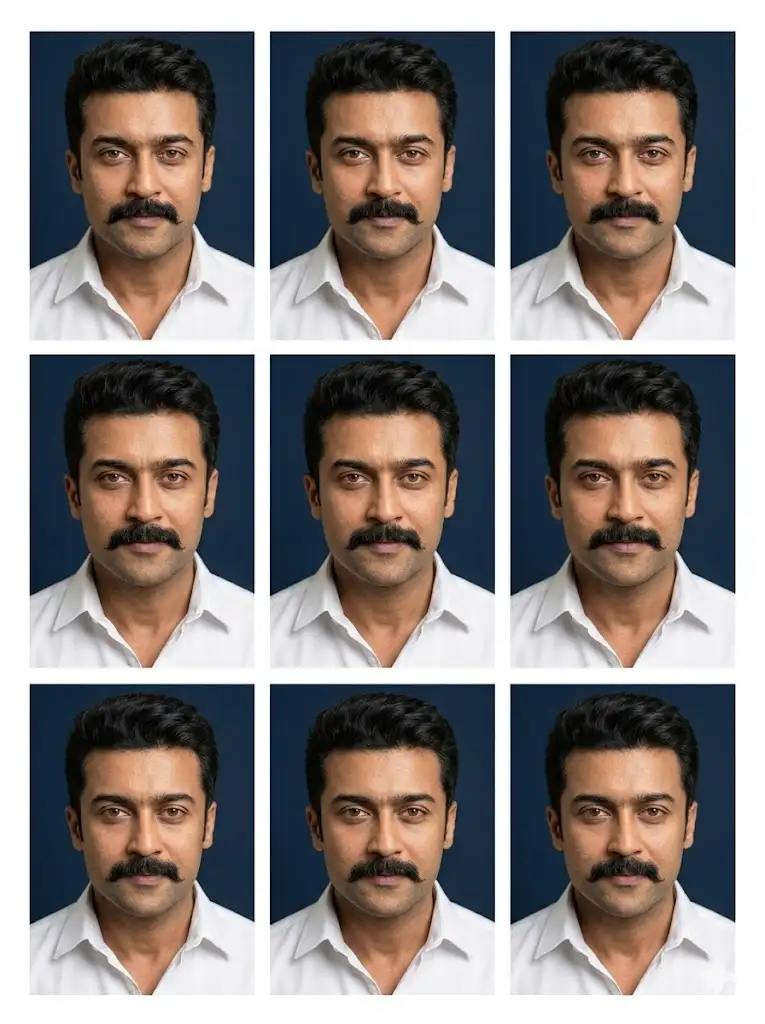
“Create an ultra-realistic studio portrait of a man wearing a crisp white shirt with a neatly groomed mustache, set against a deep navy background. He has a sharp, confident gaze looking directly at the camera. Use professional studio lighting with natural skin texture and high facial detail, captured with an 85mm lens and shallow depth of field. Generate nine identical passport-style photos arranged in a clean 3×3 printable grid — three images on the top row, three in the middle, and three on the bottom. Ensure equal spacing, proper margins, print-ready layout, 4:5 ratio for each photo, ultra-high-resolution 8K quality, sharp focus, color-accurate, suitable for printing.”
Conclusion-
Using the Prompt for Photo Editing Passport Size makes it easy to create clean, professional, and properly sized passport photos without visiting a studio. With the right prompt, you can quickly adjust background color, lighting, face positioning, and required dimensions for official documents.
This method works perfectly for Aadhaar, PAN card, passport, and other ID photos. Even beginners can achieve high-quality results using AI tools or mobile apps. Just apply the Passport Size Photo Prompt for Gemini prompt, review the output, and download your ready-to-use passport size photo in minutes. This simple approach saves time, effort, and ensures your photo meets all standard requirements.