Best ChatGPT Photo Editing Prompts Trending in 2026 (Copy & Paste)

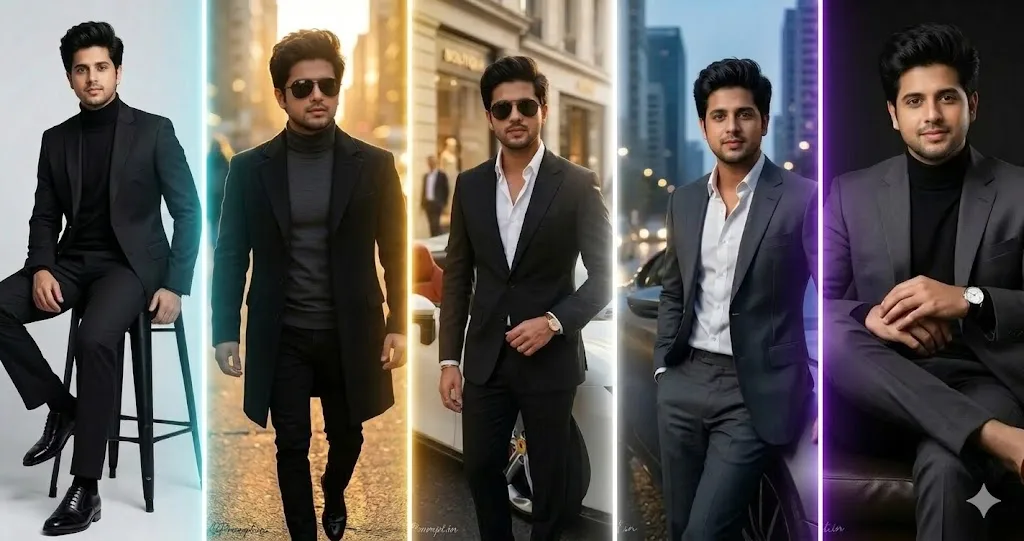
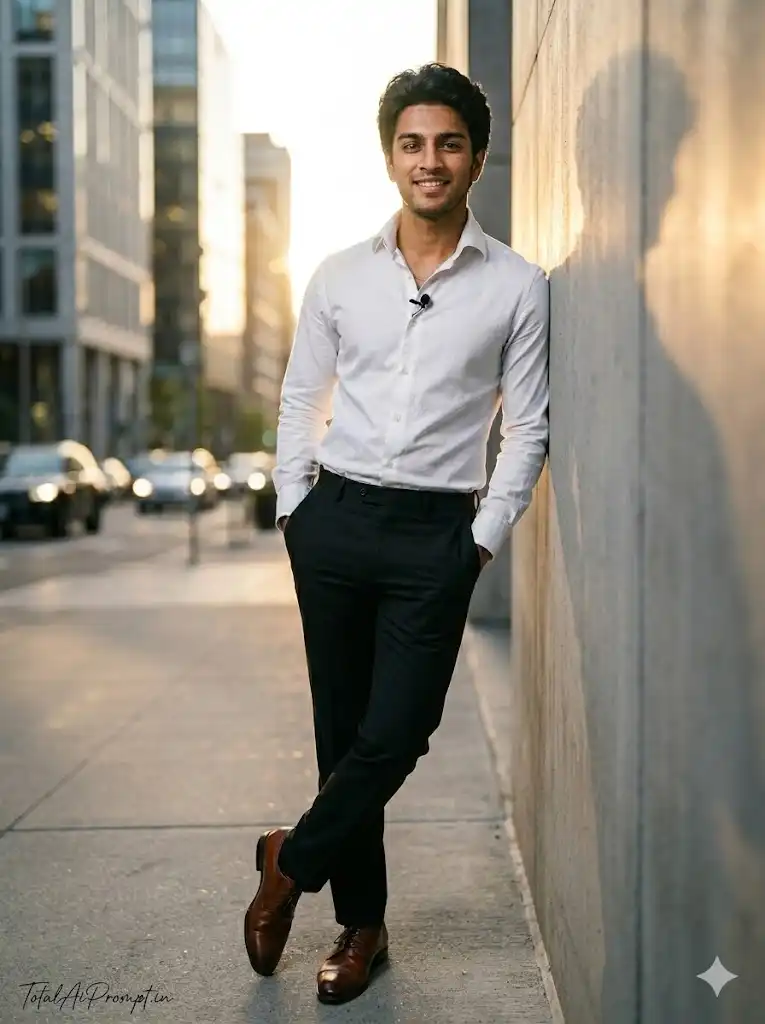
Create an ultra-realistic 8K full-body cinematic portrait of the person from the reference image while preserving the face exactly as it appears in the original photo, maintaining identical identity, facial structure, proportions, and expression without any modification. The subject stands confidently on a modern urban street at golden hour, leaning casually against a concrete wall with hands in pockets. He wears a crisp white dress shirt with a slightly raised collar and a small lapel microphone, paired with fitted black trousers and polished brown formal shoes. Warm sunlight creates cinematic highlights and soft shadows across the face and clothing, while the blurred city background adds depth and realism. Every detail including skin texture, clothing folds, lighting reflections, and natural color tones must appear completely lifelike. Maintain a vertical 3:4 aspect ratio and ultra-high-definition clarity. Apply strict negative prompts such as altered identity, face distortion, extra limbs, unrealistic body proportions, duplicate faces, blur, cartoon rendering, plastic skin, over-processed HDR, or low-resolution artifacts. Place the signature “TotalAiPrompt.in” at the bottom-left corner in a small thin handwritten cursive font using white or soft off-white color for a subtle premium watermark.
5

Preparing Copy...

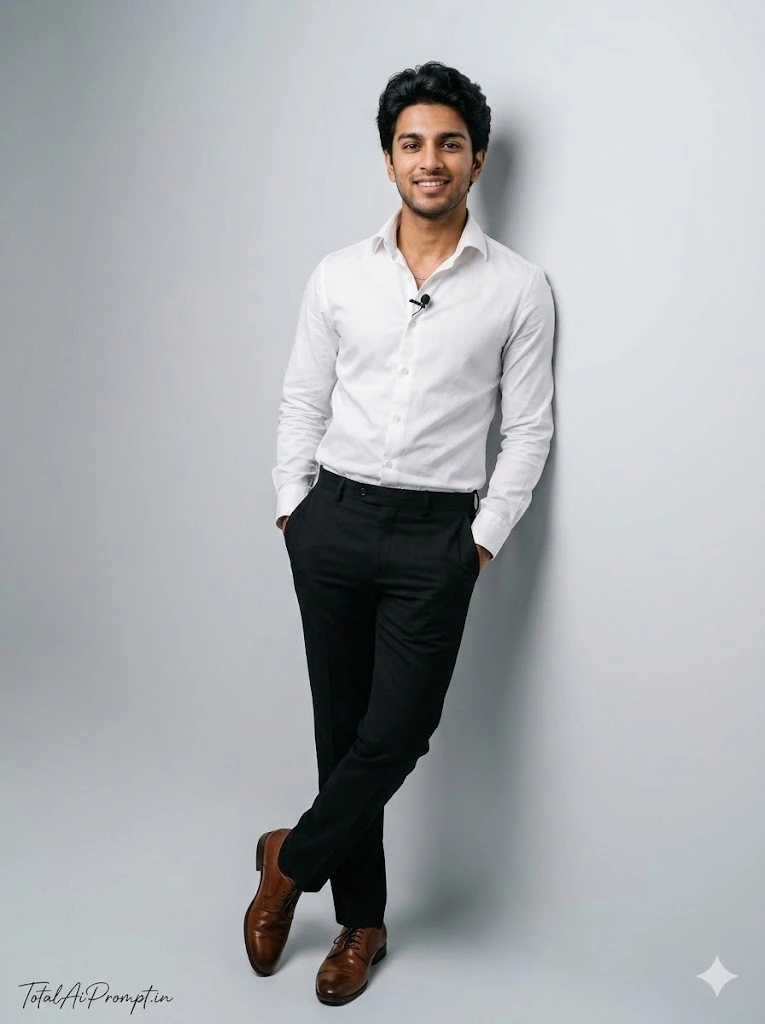
Create an ultra-realistic 8K full-body cinematic portrait of the person shown in the reference image, ensuring the face is replicated with absolute precision—identical identity, facial structure, proportions, skin texture, hair, and expression—without any modification or stylization. The subject stands in a relaxed pose, casually leaning against a smooth light-gray studio wall with both hands in his trouser pockets. He is dressed in a crisp white dress shirt with a slightly turned-up collar and a small lapel microphone attached, paired with tailored black trousers and polished brown formal shoes. Use natural studio lighting with soft shadows and balanced highlights to enhance lifelike skin tones, realistic fabric textures, and subtle depth, creating a premium editorial portrait feel. The environment should appear minimal, clean, and photorealistic with accurate reflections, natural color grading, and cinematic clarity. Maintain a vertical 3:4 aspect ratio and extremely high detail so that skin pores, clothing folds, and lighting gradients look authentic and natural. Apply strict negative prompts to avoid any distortions such as altered facial identity, face morphing, extra limbs, unnatural body proportions, blurred details, plastic skin, cartoonish rendering, exaggerated HDR, incorrect shadows, duplicate faces, low resolution, or artificial artifacts. Add a discreet signature reading “TotalAiPrompt.in” in the bottom-left corner using a small, thin, handwritten cursive style in white or soft off-white, giving a subtle premium aesthetic while remaining unobtrusive.
5

Preparing Copy...

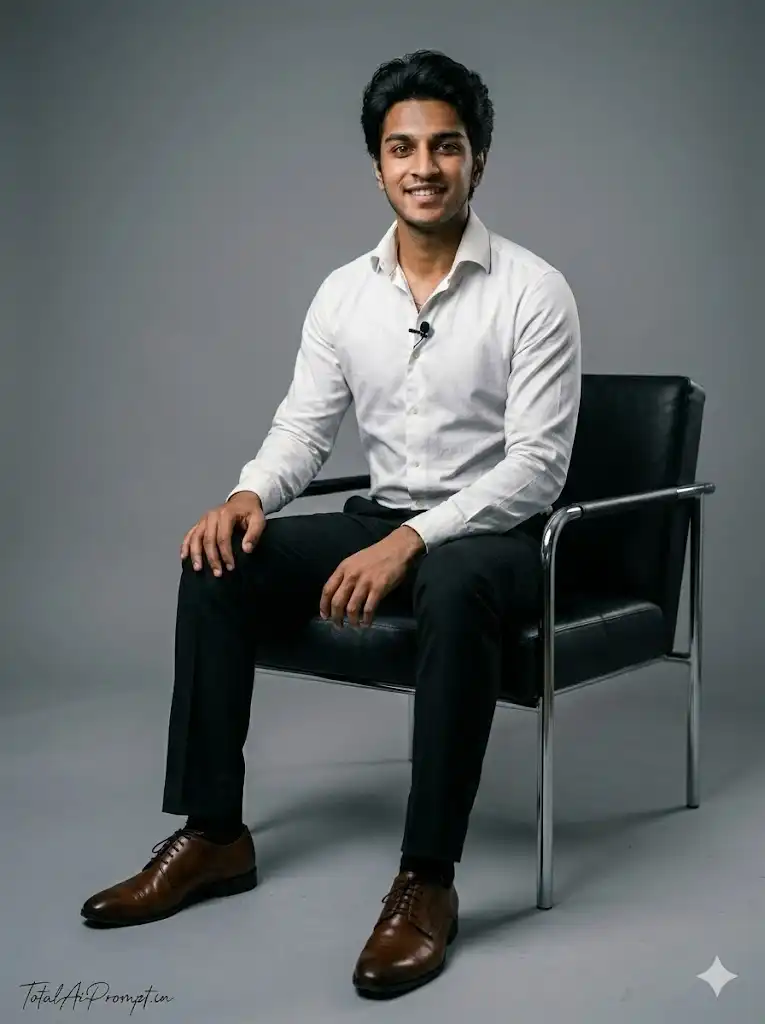
Create an ultra-realistic 8K cinematic portrait of the person from the reference image, ensuring the face is reproduced with perfect accuracy, maintaining identical identity, facial structure, skin texture, hairstyle, and expression without any modification. The subject is seated comfortably on a modern black chair in a minimal studio environment, with one leg slightly forward and hands resting naturally on his thighs. He wears a crisp white dress shirt with a slightly turned-up collar and a small lapel microphone, paired with tailored black trousers and polished brown formal shoes. Soft professional studio lighting creates natural highlights on the face and realistic shadows on the floor and wall, enhancing depth and realism. Every detail including skin pores, clothing folds, and reflections must appear completely lifelike. Maintain a vertical 3:4 aspect ratio in ultra-high-definition 8K quality. Avoid visual errors using strict negative prompts such as altered facial identity, face distortion, extra limbs, unrealistic proportions, blur, plastic skin, cartoon rendering, duplicate subjects, or low-resolution artifacts. Add the signature “TotalAiPrompt.in” at the bottom-left corner in a small thin handwritten cursive font using white or soft off-white color.
5

Preparing Copy...

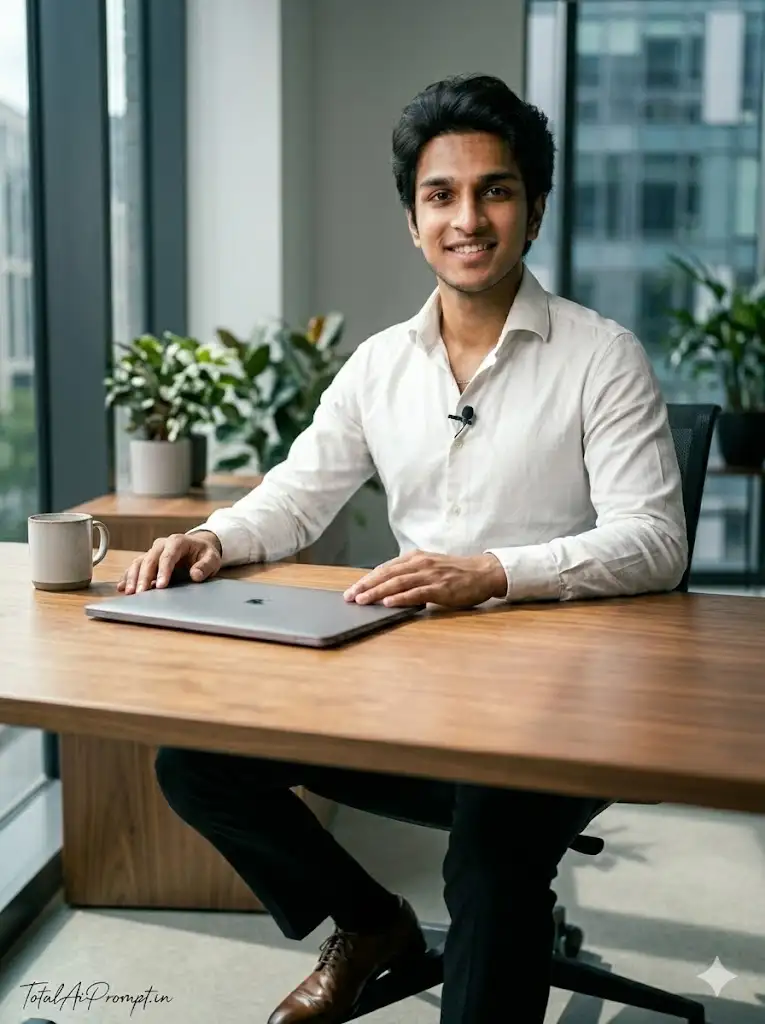
Create an ultra-detailed 8K portrait of the person from the reference image with the face preserved exactly as the original, maintaining identical identity, facial features, proportions, and expression. The subject sits behind a modern wooden desk in a clean professional workspace, leaning slightly forward with hands gently placed on the desk surface. He wears a crisp white shirt with a slightly turned-up collar and a lapel microphone, paired with black trousers and polished brown formal shoes. Natural daylight from a nearby window illuminates the scene, creating realistic shadows and cinematic depth while highlighting skin tones and textures. Maintain a vertical 3:4 composition with extremely high detail and realism. Avoid distortions using negative prompts such as altered identity, extra limbs, facial deformation, blur, artificial lighting artifacts, plastic skin, or cartoonish rendering. Place the text “TotalAiPrompt.in” at the bottom-left corner in a small thin handwritten cursive font using white or soft off-white color.
5

Preparing Copy...

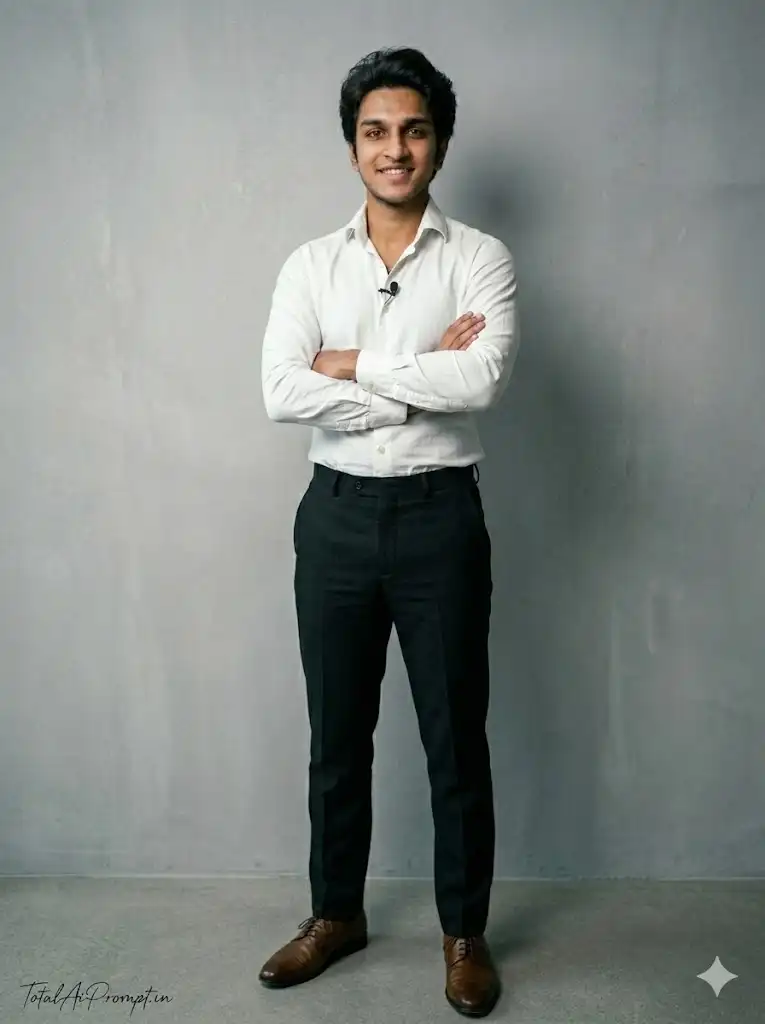
Create an ultra-realistic 8K full-body cinematic portrait of the man from the reference image while preserving the face exactly as it appears with identical identity, facial structure, proportions, and expression without any modification. The subject stands confidently with arms crossed in front of his chest against a clean modern gray studio wall. He wears a crisp white dress shirt with a slightly turned-up collar and a small lapel microphone, paired with tailored black trousers and polished brown formal shoes. Soft professional lighting creates natural highlights and realistic shadows, producing a premium editorial photoshoot look. Maintain a vertical 3:4 aspect ratio with extreme detail including natural skin texture and realistic fabric folds. Use negative prompts to avoid identity changes, facial distortion, extra limbs, blur, duplicate faces, cartoon style, plastic skin, or low-resolution artifacts. Add the subtle signature “TotalAiPrompt.in” at the bottom-left corner in a thin handwritten cursive font in white or soft off-white.
5

Preparing Copy...

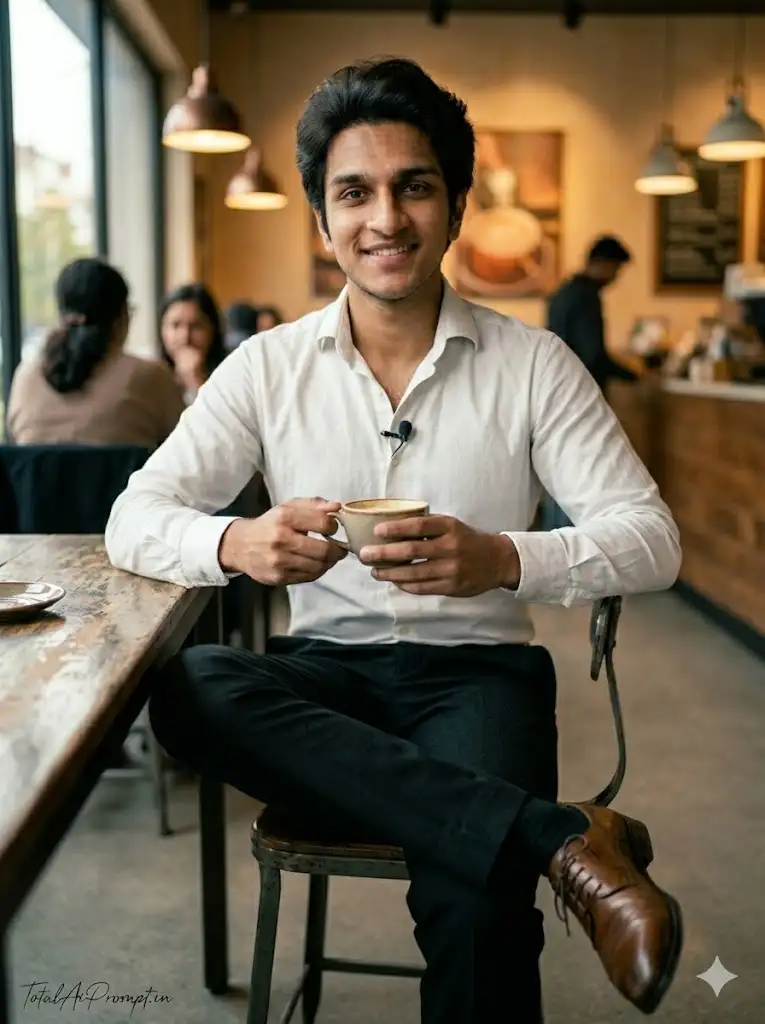
Create an ultra-realistic 8K cinematic portrait of the person from the reference image with the face preserved perfectly and unchanged. The subject sits at a cozy coffee shop table holding a coffee cup while looking confidently toward the camera. He wears a clean white dress shirt with a lapel microphone, black trousers, and polished brown shoes. Warm café lighting and a softly blurred background create a natural lifestyle atmosphere with cinematic depth. Maintain a vertical 3:4 aspect ratio and lifelike rendering of skin tones, lighting reflections, and clothing textures. Apply strict negative prompts to avoid distorted face, extra fingers, unrealistic proportions, blur, cartoon effects, or duplicated subjects. Place “TotalAiPrompt.in” at the bottom-left corner in a small elegant handwritten cursive font.
5

Preparing Copy...

FAQ – ChatGPT Photo Editing Prompts Trending

What are ChatGPT photo editing prompts?

ChatGPT photo editing prompts are text instructions used to guide AI tools to modify or enhance photos. These prompts describe the style, lighting, background, or effect you want, helping AI generate professionally edited images.

How do ChatGPT photo editing prompts work?

ChatGPT photo editing prompts work by providing detailed descriptions to AI image tools. When you enter a prompt, the AI analyzes the instructions and applies the requested style, effects, or enhancements to the photo.
What are the most trending ChatGPT photo editing prompt styles?

Some of the most popular trending styles include cinematic portraits, cyberpunk neon lighting, cartoon or Pixar-style effects, vintage black-and-white photos, and watercolor painting effects. These styles are widely used on social media.
Can ChatGPT edit photos directly?

ChatGPT itself does not directly edit photos like professional editing software. However, it can generate powerful prompts that can be used with AI image generators or editing tools to create high-quality edited images.
Leave a Comment

Your email address will not be published. Required fields are marked *

Scroll to Top